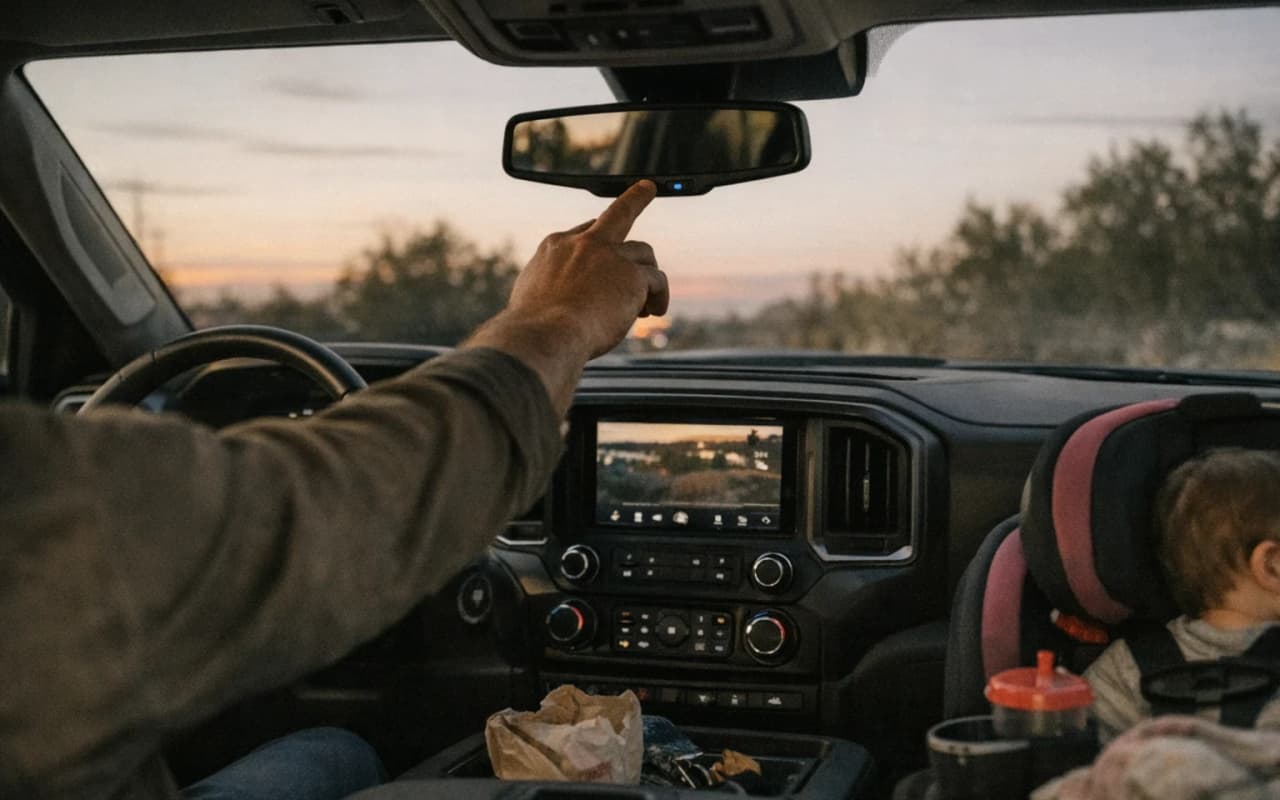
Most GM owners never check whether their OnStar trial is active, expired, or never existed — and that's the whole problem. This guide walks through checking eligibility, creating your account, linking your VIN, picking the right plan tier, and setting up emergency contacts, all doable in under 20 minutes.
Real talk: you just bought or leased a GM vehicle, and somewhere in that stack of paperwork is an OnStar trial you haven't touched. Blue button on the mirror, app icon you ignored, some vague mention of "free months" the salesman mumbled while you signed forty other things.
Here's the deal: that system is either protecting your family or sitting there doing nothing, and most dads never figure out which. We're going to fix that right now — eligibility, setup, plans, contacts, the whole thing — without the sales pitch.
First things first: check the window sticker or your sales paperwork for the OnStar trial terms, because not every GM vehicle comes with the same deal. Most new models roll out with a trial that includes Remote Access for 3 months and a Connected Services trial running 1 to 3 years, but older or used vehicles might have none of that left — or none to begin with.
The fastest way to find out where you actually stand is the OnStar app or your myChevrolet, myGMC, or myBuick account. Punch in your VIN and it tells you flat out: hardware status, active trial, expiration date, no guessing required. If you bought the vehicle used, don't assume the previous owner's trial transfers to you — it usually doesn't, and that free window may have already closed before you ever got the keys.
No app yet? Call OnStar Advisor support directly and give them the VIN. They'll pull up eligibility in minutes and tell you exactly what's active, what's expired, and what you'd need to pay to restart.
Don't skip this step and assume you're covered. A dad who finds out his emergency crash response lapsed after something happens isn't a dad who planned — he's a dad who got lucky it wasn't worse. Check it now, while it costs you nothing but five minutes.
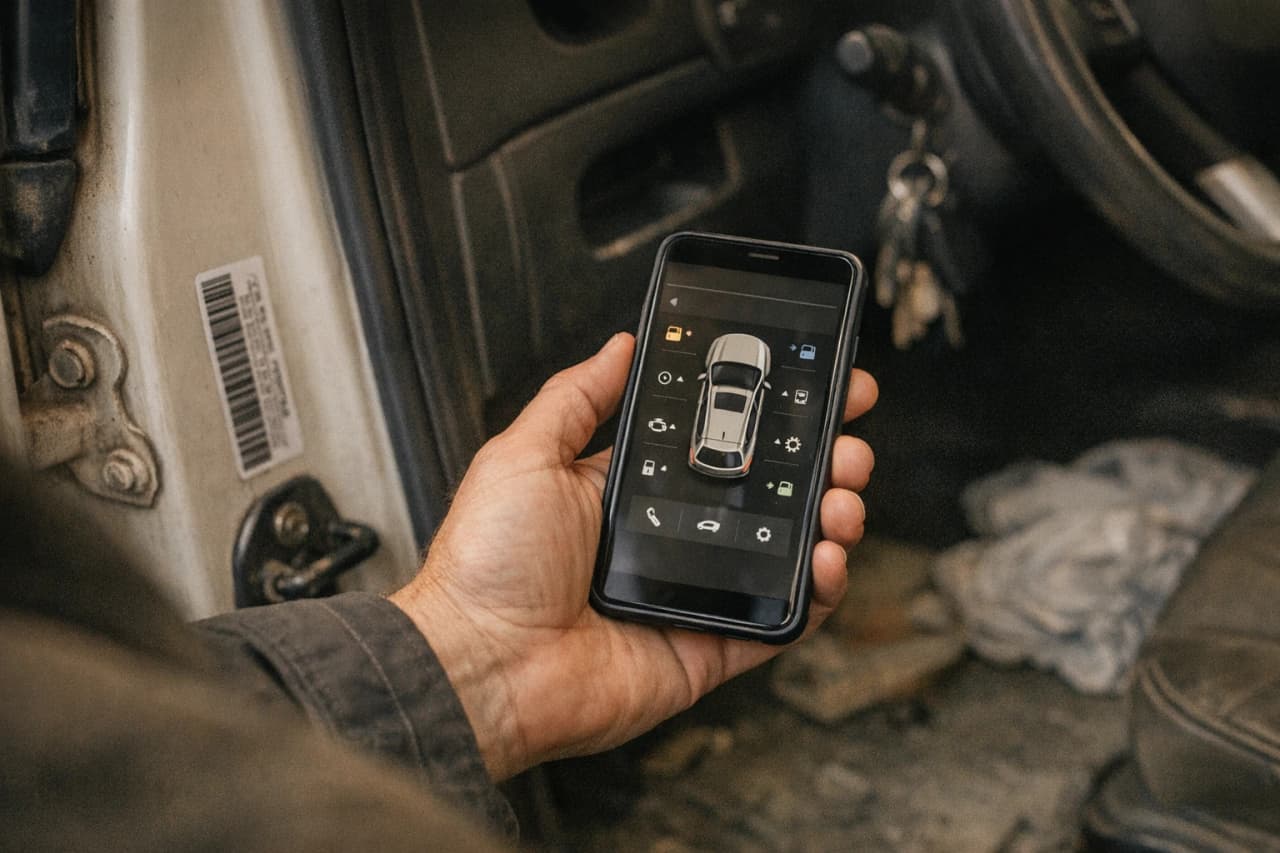
You've got two doors into the same house, and picking the right one saves you fifteen minutes of thumb-typing on a phone keyboard.
1. Download the OnStar app if you're starting from your phone. It's built for the vehicle-first setup — scan your VIN, confirm the trial, and you're linked faster than typing it all out by hand.
2. Use myChevrolet, myGMC, or myBuick if you're already at a desktop. Same backend, same account, just a browser instead of a thumb war. Pick whichever brand matches your vehicle — don't overthink it, they're not interchangeable.
3. Create the account with an email you actually check. Your emergency alerts, billing notices, and plan renewal warnings all route through that inbox. A throwaway address you check twice a year defeats the purpose of safety software.
4. Set a real password, not "Chevy123." This account controls remote start, door locks, and location data on your family vehicle. Treat it like your bank login, because functionally, it's protecting something just as important.
5. Log in on both platforms once setup is done. The app and the web portal sync the same account, but confirming both work now means you're not troubleshooting at 11pm when you actually need remote start in a Walmart parking lot.
Either route gets you to the same place. The app wins for speed, the desktop portal wins if you've got fat thumbs and a long lunch break — take the one that matches your day, not the one you think looks more official.
Your VIN is the thread that ties the hardware bolted into your dash to the account you just created, and GM wants to make sure the person linking it actually owns the thing.
1. Find your 17-digit VIN before you start. Check the driver-side door jamb sticker, your registration, or the insurance card in your glovebox — don't trust memory on this one.
2. Enter it exactly as printed, no spaces, no guessing on O versus 0. One wrong character and the system either rejects it outright or links you to the wrong trial status entirely.
3. Confirm ownership when the app or portal asks. This usually means matching the name on your account to the name on the registration, or verifying through a one-time code sent to the vehicle itself.
4. Watch for the "pending verification" message. If GM can't confirm ownership instantly, your account sits in limbo for 24 to 48 hours while they cross-check records — normal, not broken.
5. Call support if verification stalls past two days. An advisor can manually confirm ownership with your VIN and registration on the phone, usually in one call.
A VIN typo costs you nothing but time — a skipped verification step costs you access when you need it most.
Get this part right and everything downstream — plans, contacts, remote access — actually works the first time instead of throwing errors you'll chase down later.
Bottom line: OnStar's got three tiers, and the sales floor always points you toward the one that costs the most, not the one your family actually needs. Match the plan to how you drive, not how the brochure reads.
Before you pick, be honest about your actual driving: a dad doing a ten-minute school drop and a weekly Costco run doesn't need the same plan as one logging interstate miles every weekend. Price out the tier that covers your real risk — crash response and roadside help — before you get talked into hotspot data you'll forget exists. The upsell lives in the premium package, not the basics, so know what you're buying before the advisor starts listing add-ons.
The sales floor always points you toward the plan that costs the most, not the one your family actually needs. The upsell lives in the premium package, not the basics, so know what you're buying before the advisor starts listing add-ons.
An OnStar plan only protects the people it knows about, and that means building out your emergency contacts and family drivers before you need them, not after.
1. Add your emergency contact under account settings. This is the person OnStar calls if Crash Response triggers and you can't answer — make it someone who'll actually pick up, not just the first name in your phone.
2. List every regular driver in the household, not just yourself. Family Link lets you add drivers tied to the vehicle, so your spouse or teenage driver shows up in the system instead of being a mystery person behind the wheel during an alert.
3. Set driver profiles if more than one person drives the vehicle. Each profile can carry its own seat position, mirror settings, and — more importantly — its own notification preferences for trip alerts and speed limits.
4. Turn on Family Link notifications if you've got a new driver in the house. You get alerts for speeding, curfew violations, and boundary crossings, which matters a lot more the week after your kid gets a license than it did the week before.
5. Confirm phone numbers are current for every contact listed. An emergency contact with a disconnected number is worse than no contact at all — it's a dead end during the exact minute it matters.
A system that doesn't know who to call isn't a safety net — it's a notification with nowhere to go.
Every dad hits the same handful of walls during setup, and most of them have a two-minute fix once you know where to look.
Bottom line: none of this takes a Saturday. VIN lookup, account creation, plan selection, emergency contacts — start to finish, a clean setup runs under 20 minutes if you've got your VIN and a few minutes of focus. The stuff that eats time is skipped steps, not hard steps.
So here's your move: pull up the OnStar app or your myChevrolet, myGMC, or myBuick account tonight and check your trial status. Not next week, not after the oil change — tonight. If it's active, finish linking your VIN and add your contacts. If it's expired, you'll at least know instead of assuming you're covered.
A dad who checks is a dad who's covered. A dad who assumes is just hoping nothing happens.
FAQ
One email a week — only when there’s something new. No spam. No sponsors.
Unsubscribe anytime · Privacy