A mobile browser login failure on OnStar is a browser problem, not an account problem — the app and vehicle screen use persistent tokens and VIN recognition, while the browser starts fresh every time. Work through closing the browser, clearing cache/cookies, incognito mode, updating, and switching browsers in that order before resetting a password or calling support.
Real talk: the OnStar app opens fine. The vehicle screen signs in without a fight. Then you try to log into your account on a phone browser to check billing or update a plan, and it kicks you out like you're a stranger trying to steal the truck.
It happens to every dad eventually, usually when you're in a hurry and just need one quick answer. Good news: it's not your account, and it's not your fault. It's a browser problem with a straightforward fix.
Here's the deal: you're not logging into one OnStar account. You're logging into three separate systems that happen to share a login screen.
The OnStar app runs on a long-lived session token tied to your phone. Once you sign in, the app remembers your device and keeps you logged in for weeks, sometimes months, without asking twice. It's built for daily use, so it's designed to stay out of your way.
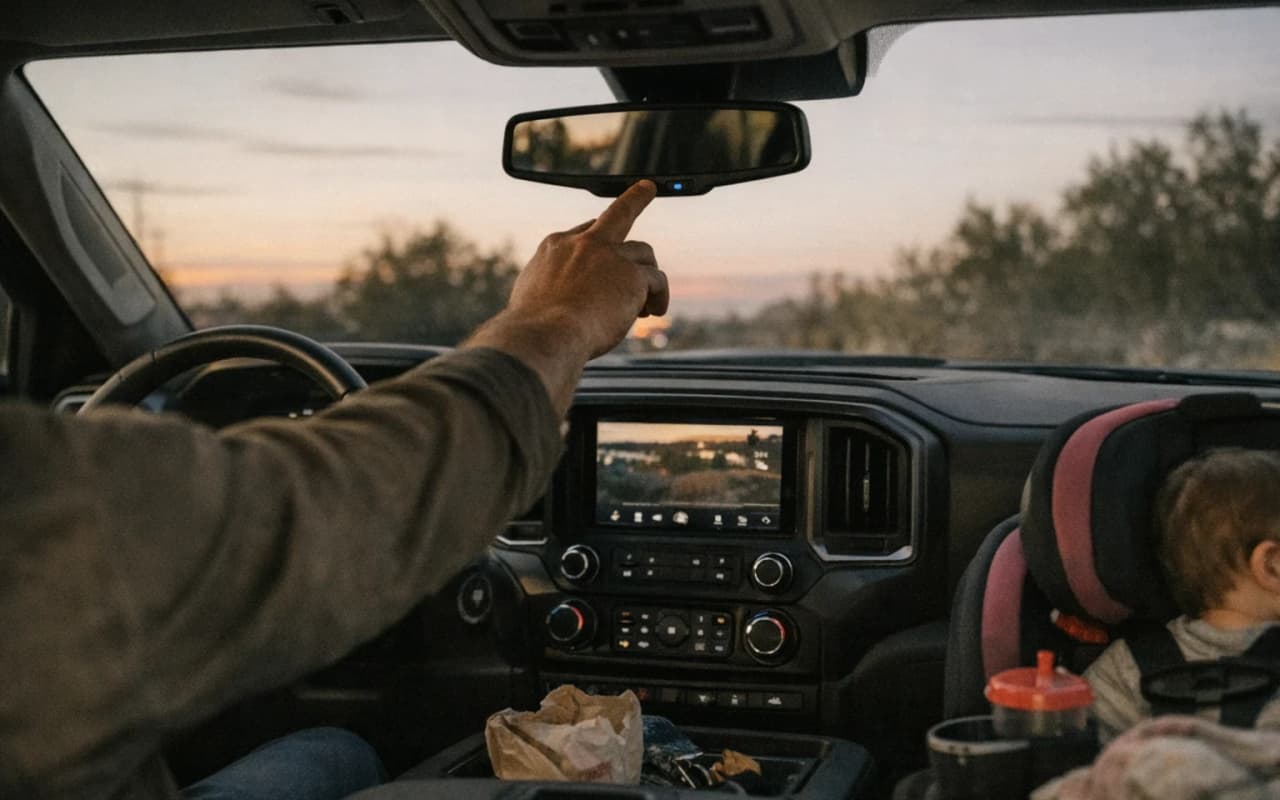
The vehicle touchscreen works similarly, but it's tied to the truck itself. GM links your account to the VIN during setup, and the system recognizes the vehicle every time it starts, no fresh login required. That's why you can sit in the driveway and pull up your account with zero friction.
The mobile browser is the odd one out. It doesn't get a persistent token like the app does, and it doesn't have a VIN to lean on like the dash screen does. Every browser session starts closer to square one, which means it leans harder on cookies, cached login data, and session timeouts that the other two systems don't deal with at all.
Same account, three different ways of proving you are who you say you are.
That mismatch is exactly why the app opens fine while the browser locks you out — it's not one login system failing, it's the weakest of three doing exactly what it's built to do.
A session token is just a digital handshake that says "I already know you, come on in." The app gets one of those handshakes and holds onto it, so it rarely has to ask twice. The vehicle screen skips the handshake entirely and checks the VIN instead, which is tied permanently to your account from setup.
Browsers don't get that luxury. Most mobile browsers, especially in default settings, treat every new tab or app switch as a reason to question who you are again. Close the tab, get a call from your kid's school, switch apps to check the weather — any of that can be enough to dump the session and force a fresh login.
Cookies make it worse. Browsers store small bits of login data to bridge the gap between visits, but those cookies expire fast, get blocked by privacy settings, or get wiped if you clear your browsing data for any reason. No cookie, no bridge, no login — you're back to square one every time.
Device recognition plays a role too. The app and vehicle screen both know exactly what hardware they're running on and trust it. A browser doesn't carry that same fingerprint, so GM's system treats it with more suspicion by default, especially on a new phone or after an update.
None of that means your account is broken. It means the browser is running the strictest version of the same login, and strict systems fail first.
When the browser's being stubborn and you're standing in a parking lot with no time to troubleshoot, skip straight to the app or the vehicle touchscreen. Both pull from systems that don't fight you the way a browser does, and either one gets you the answer you need right now.
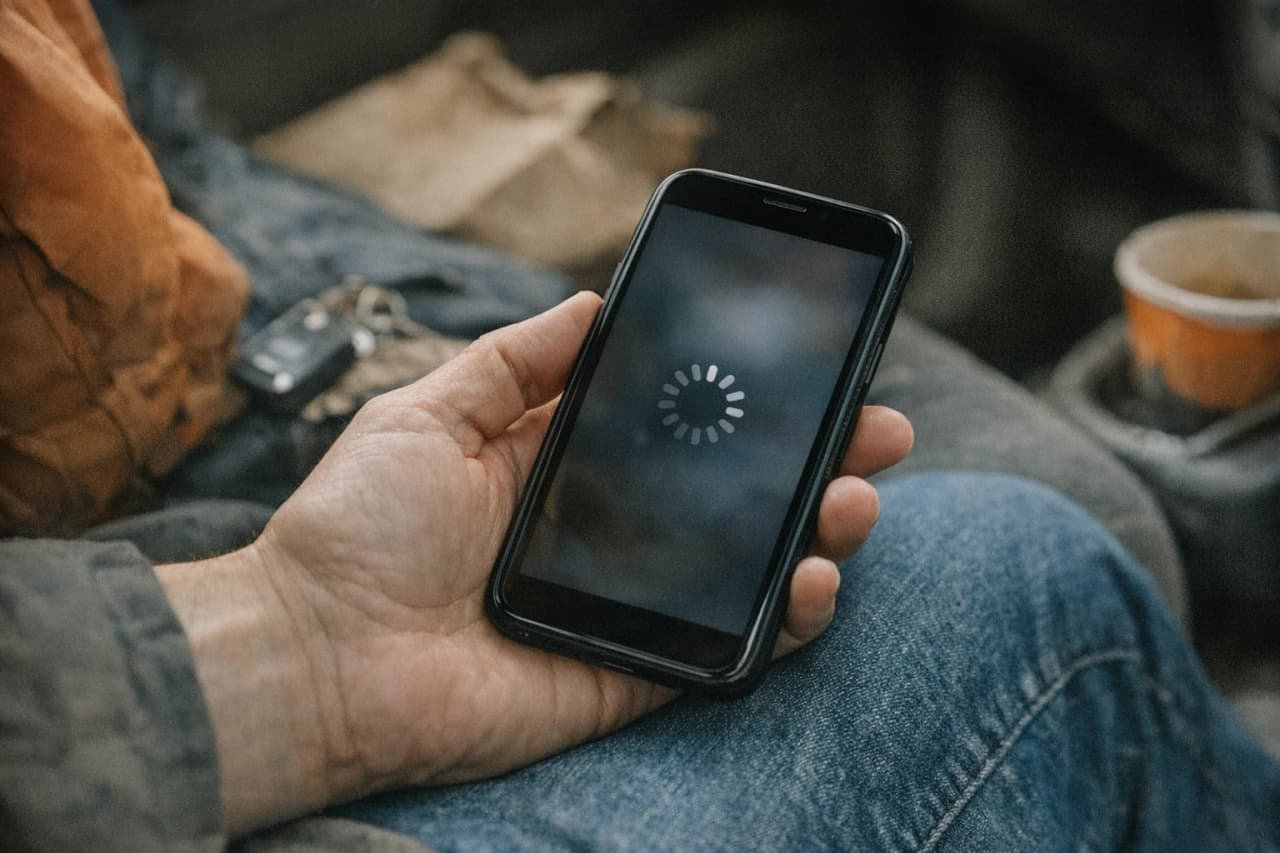
Before you start clearing anything out, it helps to know which culprit you're dealing with. Most browser login failures trace back to one of five usual suspects, and spotting the right one saves you from clearing cache three times for nothing.
Narrow it down to one of these, and the fix usually takes two minutes instead of twenty.
Bottom line: don't jump straight to the nuclear option. Work the list below in order, cheapest fix first, and most dads solve this before step three.
1. Close and reopen the browser. Sounds too simple to work, but it clears the active session and forces a fresh handshake with GM's login server. Takes ten seconds and solves a surprising number of random timeouts.
2. Clear the cache and cookies for just that site. Go into your browser settings, find site data, and wipe what's stored for onstar.com specifically — no need to nuke your whole browsing history. This clears out any old password or expired cookie that's stuck arguing with your current login.
3. Try private or incognito mode. This forces the browser to start with zero stored data, which either fixes the problem outright or tells you it's not a cookie issue at all. If incognito logs you in clean, you know step two didn't finish the job.
4. Update the browser itself. Check your app store for a pending Chrome, Safari, or Firefox update — an outdated build can mishandle the security handshake OnStar's page requires, throwing an error that looks like a password problem but isn't.
5. Switch browsers entirely. If you're running an older phone or a browser that rarely gets updates, try a different one you already have installed. This isolates whether the issue is your account or just that one app.
If you've worked through all five and the browser still locks you out, the problem has moved past cache and cookies.
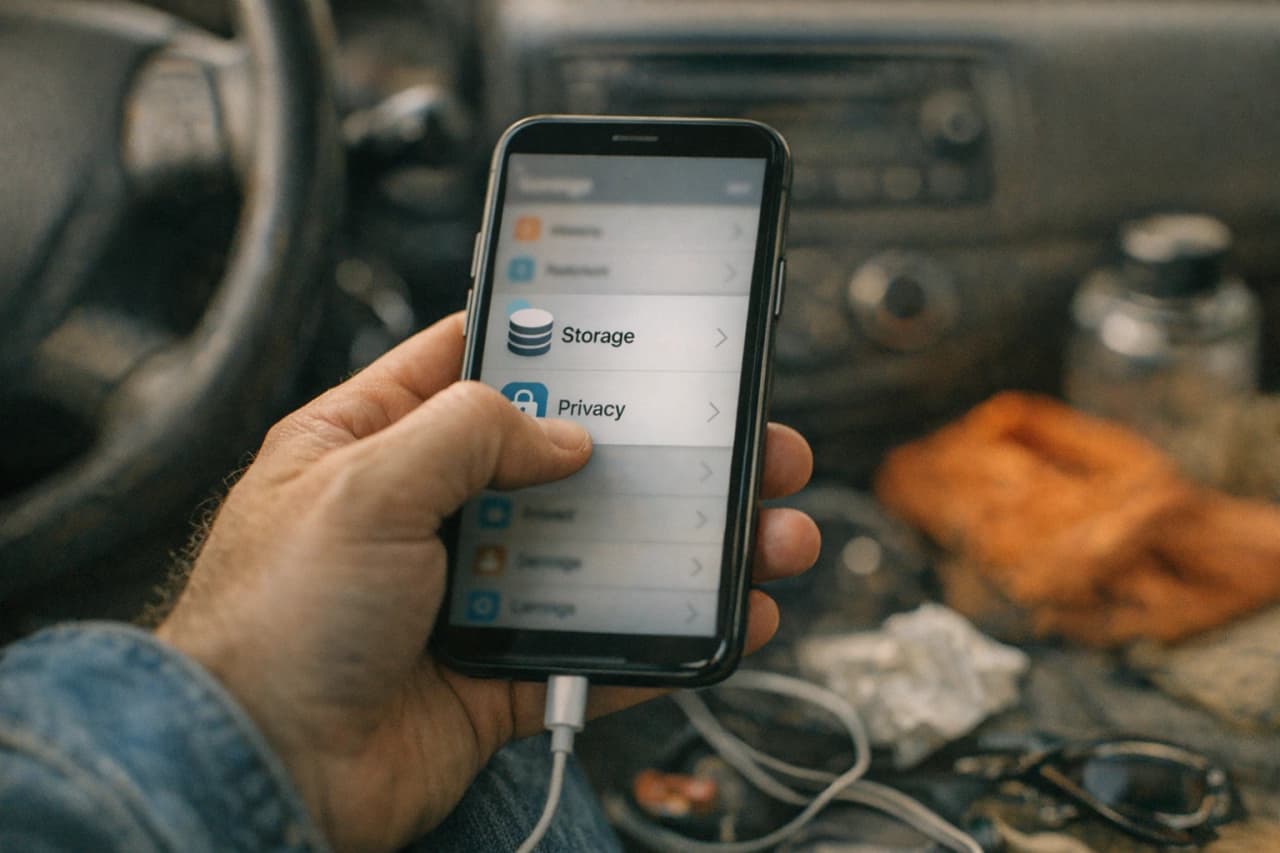
Five steps deep and still locked out, it's time to stop guessing and pick the right next move. Here's how to tell which one you need.
If three different fixes all fail the same way, the problem was never your settings — it was never your login to fix in the first place.
Save this one. Next time the login screen gives you attitude, run it top to bottom before you touch anything else.
Bottom line: a mobile browser login failure is one of the most common, most fixable annoyances in the OnStar world. It's not your account, and it's not some sign your truck's about to leave you stranded.
When the browser's being stubborn and you're standing in a parking lot with no time to troubleshoot, skip straight to the app or the vehicle touchscreen. Both pull from systems that don't fight you the way a browser does, and either one gets you the answer you need right now. Save the cache-clearing for when you're home and not in a hurry.
FAQ
One email a week — only when there’s something new. No spam. No sponsors.
Unsubscribe anytime · Privacy